Points of distribution
Track every point of distribution, and every void
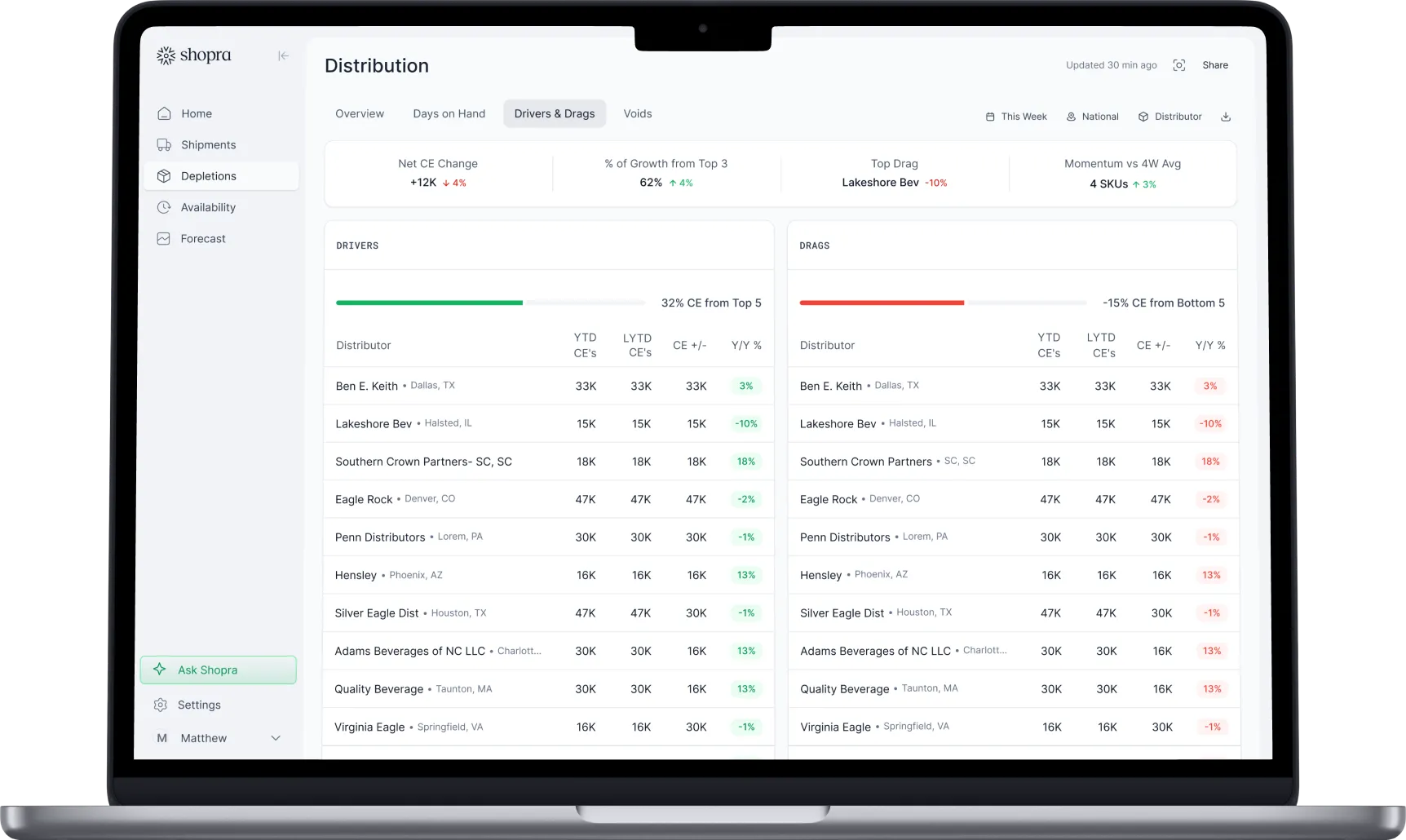
See PODs gained and lost by distributor, chain, rep, and SKU, so you know where distribution is growing and which accounts to win back.
What is a point of distribution (POD)?
A point of distribution is one item carried at one retail account. If three SKUs sell at one store, that store counts as three PODs. Beverage brands and distributors count PODs to measure how widely a product is distributed and whether that reach is growing or shrinking, separately from how fast it sells.
How do you count PODs from distributor data?
Distributor depletion data lists every sale by account and item, so PODs are counted from purchases rather than from store audits:
- Choose a lookback window, such as the last 30, 60, or 90 days.
- Count each account and item pair with at least one purchase in that window as one POD.
- Use the same window every time, so changes reflect real gains and losses rather than timing.
- Map item codes across distributors and over time, so a code change does not look like a lost POD.
- Roll PODs up by distributor, chain, channel, rep, and SKU.
PODs vs ACV vs TDP
| Measure | What it counts | Typical source | Best for |
|---|---|---|---|
| PODs | Accounts carrying each item | Distributor depletions (VIP, Encompass) | Account-level distribution and voids |
| % ACV | Share of total store sales volume in stores that carry the item | Retail scan (Circana, SPINS, NielsenIQ) | Weighting distribution by store size |
| TDP | Total distribution points: % ACV summed across items | Retail scan | Comparing the breadth of a whole line or brand |
Why do PODs drop?
- Out-of-stocks: a store with no product stops ordering, and after the lookback window it no longer counts.
- Resets: the item loses its shelf space at a planogram change.
- Rep focus: new brands in the portfolio pull attention from existing ones.
- Slow velocity: accounts drop items that do not turn.
- Data issues: a new item code or a missing distributor file looks like lost distribution.
What is a void, and how do you find one?
A void is an account that should carry an item but is not buying it. Common ways to find voids: accounts that bought the item before and stopped, accounts that carry your other SKUs but not this one, and accounts of the same type and chain where most peers carry it.
How does Shopra track PODs?
Shopra counts PODs from the depletion data your distributors already send, keeps item codes mapped as they change, and shows PODs gained and lost by distributor, chain, rep, and SKU. Declining POD counts are flagged automatically, next to in-stock and inventory data that often explains why.
Frequently asked questions
What is a good POD count?
There is no universal number. What matters is the trend against your own baseline and plan, and how your PODs per account compare with similar brands in the same accounts.
Is a POD the same as a store?
No. A store carrying four of your SKUs counts as four PODs. Count stores separately if you also need to know how many accounts carry the brand at all.
Why do my PODs differ from my distributor's report?
Usually the lookback window or the item mapping differs. Agree on one window and one product list, and the two counts will reconcile.
How often should PODs be reviewed?
Weekly. A monthly review can miss an account that dropped out after an out-of-stock until the next reset has already happened.
Integrations
Connect the sources you already run on.
Shipments, depletions, distributor inventory, and retail scan flow in through a mix of near real-time integrations and 24-hour SFTP exports and ingestion, including VIP and Encompass, plus API access and a fast agent backend for querying.


Your data stays yours. Enterprise plans can run on a dedicated Google Cloud warehouse you own.
ready when you are
Turn your data into your next move
See your drivers, your drags, and where to act today.
Get a demo