Depletion reporting
Depletion reporting that explains the number
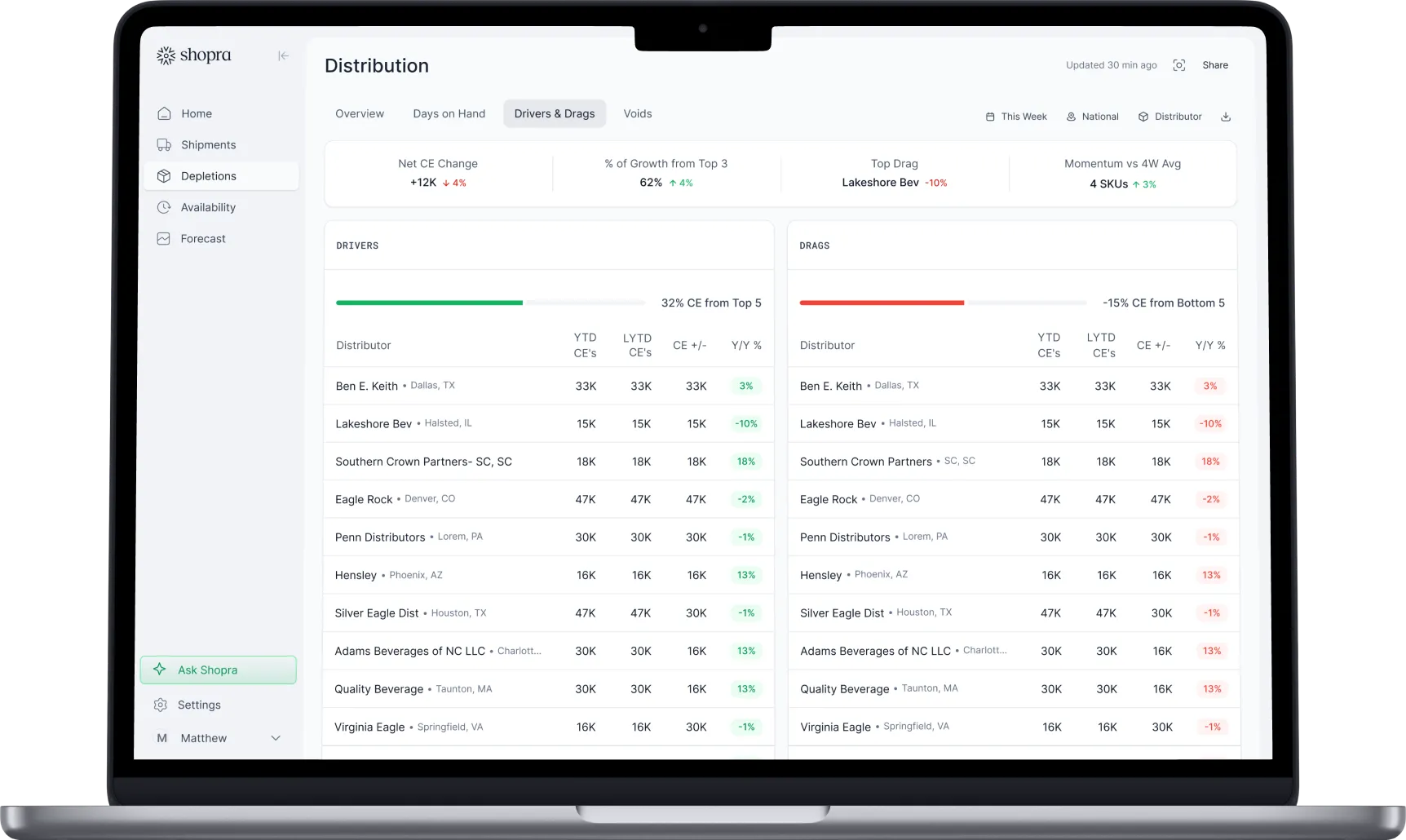
See depletions against last year and forecast, broken down by distributor, retailer, and SKU, with shipments and retail scan alongside to explain every move.
What are depletions in the beverage industry?
Depletions are the product a distributor sells out of its warehouse to retailers and on-premise accounts. In the three-tier beverage system, depletions measure sell-through at the distributor level, which makes them the clearest early read on real demand, weeks before retail scan data catches up.
Depletions vs shipments vs scan
| Shipments | Depletions | Scan | |
|---|---|---|---|
| What it measures | Supplier sells to distributor (sell-in) | Distributor sells to retailer (sell-through) | Retailer sells to shopper |
| Typical source | Your ERP, such as NetSuite or SAP | Distributor systems such as VIP or Encompass | Circana, SPINS, NielsenIQ, retailer portals |
| What it tells you | What distributors bought | What retail accounts bought | What consumers bought |
Why don't depletions match shipments?
Over a few months, shipments, depletions, and scan should move together. In any given month they rarely match, for predictable reasons:
- Distributors build or draw down inventory, so shipments run ahead of or behind depletions.
- New items and promotions load distributors before retail demand shows up.
- Retail stockouts or lost accounts slow depletions even when consumer demand holds.
- Timing: shipments, depletions, and scan are recorded on different days and calendars.
When the gap between them persists, it points to where the problem sits.
What should a depletion report include?
- Depletions compared with last year and with forecast.
- Breakdowns by distributor, region, rep, retail chain, and SKU.
- Volume in case equivalents so every pack size adds up.
- Distributor inventory and days on hand next to depletions.
- The drivers and drags behind the change, not just the total.
How do you build depletion reporting?
- Collect depletion files from every distributor, VIP and Encompass alike.
- Standardize items, units, and accounts across distributors.
- Add last year and your forecast as comparison lines.
- Bring in shipments and retail scan so gaps can be explained.
- Refresh daily so misses surface during the month, not after it closes.
How does Shopra handle depletion reporting?
Shopra builds depletion reporting from the distributor data you already receive, harmonizes it, and shows it against last year and forecast with shipments and scan in the same view. Weekly and monthly business review reports build themselves and export to Power BI, Excel, and PDF.
Frequently asked questions
How are beverage depletions calculated?
Depletions are summed from distributor invoices to retail and on-premise accounts, usually converted to case equivalents so different pack sizes can be added together and compared across distributors.
Why are my depletions down while shipments are up?
Usually distributors are building inventory, often ahead of a promotion, a new item, or a price change. If it persists, check distributor days on hand and retail scan to see whether demand is actually slowing.
How often should depletions be reviewed?
Weekly at minimum, and daily if you can. Monthly-only review means a miss is found after the month has closed, when it is too late to adjust orders or programs.
What is days on hand?
Days on hand is distributor inventory divided by the recent daily rate of depletions. It shows how many days of demand a distributor can cover before running out.
Integrations
Connect the sources you already run on.
Shipments, depletions, distributor inventory, and retail scan flow in through a mix of near real-time integrations and 24-hour SFTP exports and ingestion, including VIP and Encompass, plus API access and a fast agent backend for querying.


Your data stays yours. Enterprise plans can run on a dedicated Google Cloud warehouse you own.
ready when you are
Turn your data into your next move
See your drivers, your drags, and where to act today.
Get a demo