Free Excel template
Score every distributor on one sheet
A free distributor scorecard for Excel. One row per distributor: shipments and depletions for the last 3 months, days on hand, PODs this period vs last, key accounts out of stock, and how each house sends you data. Set your own tolerance and it flags who needs a review.
Why score distributors on one sheet?
Most brands review distributors one report at a time: a VIP export here, an Encompass file there, a portal login for the rest. Each looks fine on its own. Put every house on one row with the same columns and the outliers show themselves: the distributor whose depletions trail shipments, the one whose PODs slipped, the one nobody on your side owns.
What's on the scorecard?
| Column | What to enter |
|---|---|
| Shipments, trailing 3 months (CE) | Cases you shipped to the distributor over the last 3 months, in Case Equivalence (CE) |
| Depletions, trailing 3 months (CE) | Cases the distributor sold to retailers over the same 3 months |
| Depletions as % of shipments | Calculated. Blank until shipments are entered |
| Days on hand | The distributor's inventory of your product, in days of sales |
| PODs this period and last period | Points of distribution: the accounts carrying your SKUs |
| PODs change | Calculated: this period minus last period |
| Key accounts out of stock | How many of the accounts you care most about are out |
| Data received | How often the distributor sends data, and through which system: VIP, Encompass, or a portal |
| Brand manager named? | Y or N: is there a named person at the house who owns your brand |
| Flag | Calculated: shows Review when depletions as % of shipments is below your tolerance |
How does the Review flag work?
Cell B2 holds your tolerance: the percentage of shipments you expect depletions to reach. It ships blank on purpose, because the right number depends on your category, your season, and whether a distributor is still filling its pipeline after a launch. Enter your own percentage and any distributor below it shows Review in red. Leave B2 blank and nothing is flagged.
How to use it
- Delete the EXAMPLE row, then list each distributor in column A, one per row.
- Fill in shipments and depletions for the last 3 months, in CE. The % column works itself out.
- Add days on hand, PODs for this period and last period, and how many key accounts are out of stock. The PODs change works itself out.
- Note how often each distributor sends data and through which system, and whether you have a named brand manager there.
- Type your own tolerance in cell B2. Any distributor whose depletions fall below it shows Review in red.
Distributor Scorecard vs Shopra
| This template | Shopra | |
|---|---|---|
| Shipments, depletions, and PODs | Typed in by hand | Filled from your connected data |
| Distributors covered | 10 rows, add more as needed | Every distributor in your connected data |
| Effort each period | Pull reports, type, check | Shipments, depletions, and PODs already there |
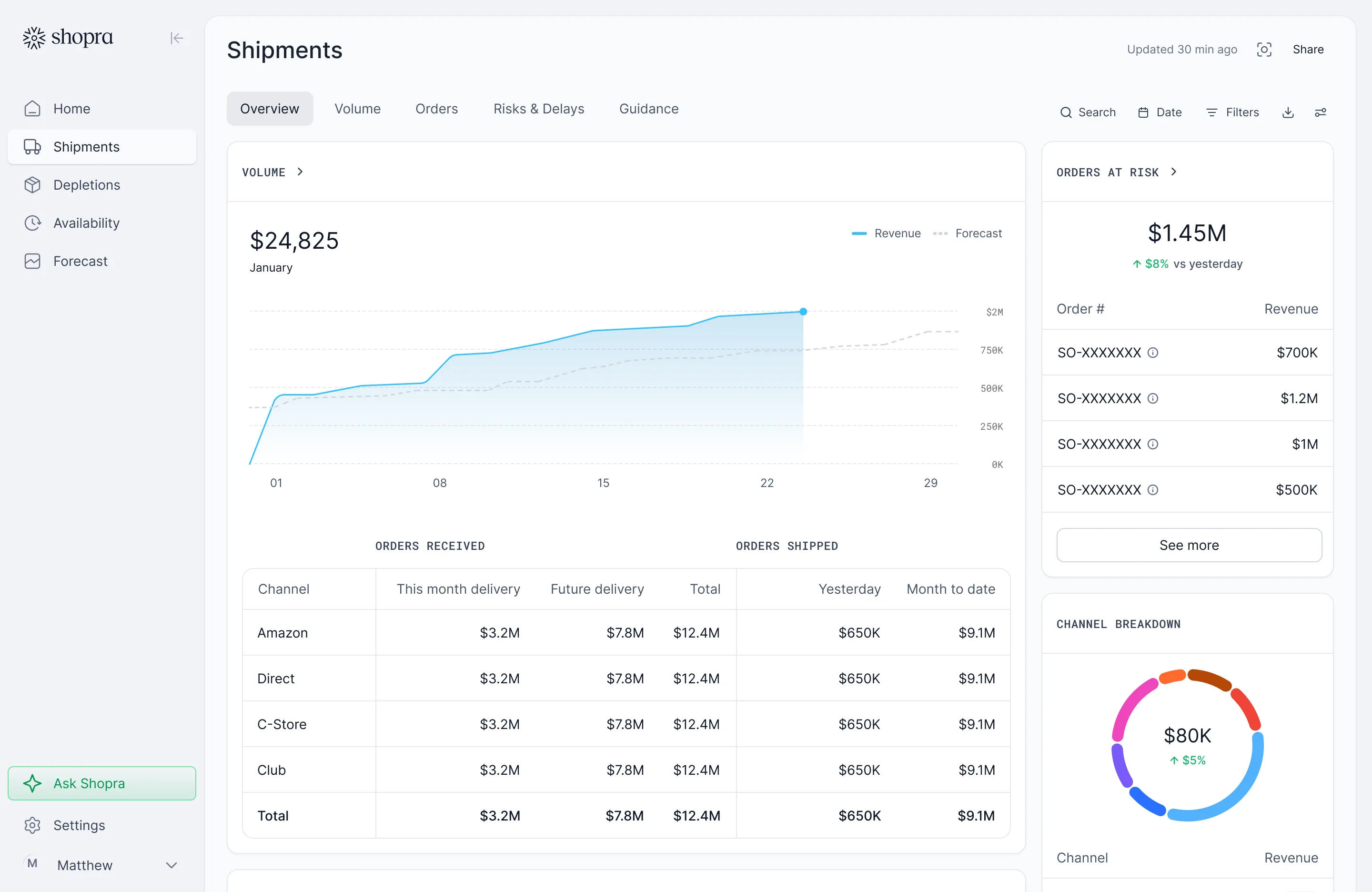
In Shopra, shipments, depletions, and PODs fill from your connected data. The other columns stay yours to enter.
Frequently asked questions
Is the template really free?
Yes. Enter your name, work email, and company, and the download link appears right away. It has no macros and needs no Shopra account.
Does it work in Google Sheets?
Yes. Upload the .xlsx to Google Drive and open it with Google Sheets. The formulas use standard functions such as IF, AND, and ISNUMBER.
What is Case Equivalence (CE)?
Case Equivalence is a standard volume unit that makes different pack sizes comparable, commonly 288 fluid ounces, the volume of 24 12-ounce cans. Use whatever case unit your shipment and depletion reports already share.
What is the difference between shipments and depletions?
Shipments are what you sell to the distributor. Depletions are what the distributor sells to the retailer.
What tolerance should I use?
The template does not suggest one. Use the percentage your team already reviews against, or enter one, see who gets flagged, and adjust. Leave B2 blank to turn flags off.
Integrations
Connect the sources you already run on.
Shipments, depletions, distributor inventory, and retail scan load every day through SFTP exports and direct connections, including VIP and Encompass.


Your data stays yours. Enterprise plans can run on a dedicated Google Cloud warehouse you own.
ready when you are
Turn your data into your next move
See your drivers, your drags, and where to act today.
Get a demo