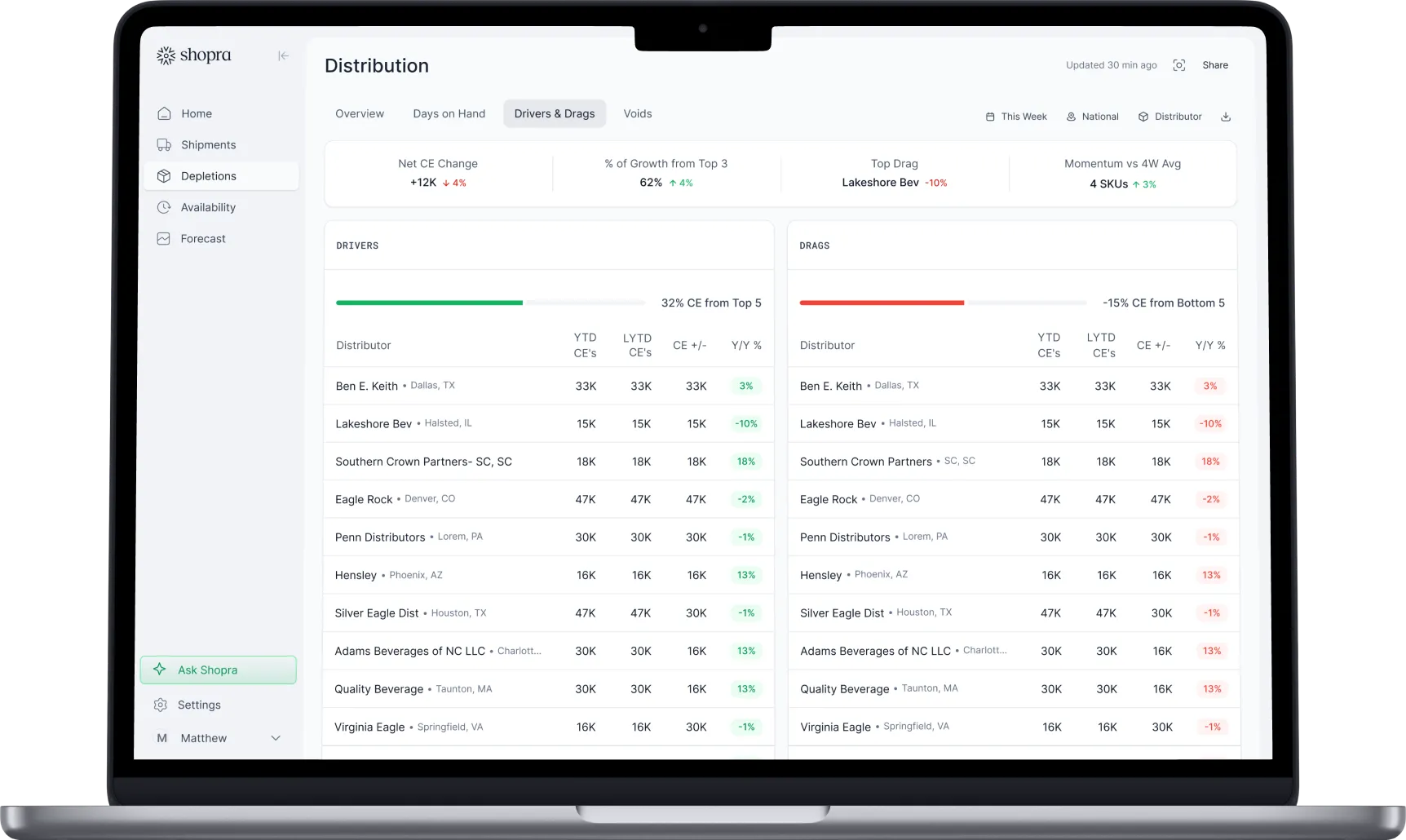
Shopra vs Excel
Shopra vs Excel: stop downloading, pasting, and reconciling
Spreadsheets are where most beverage reporting starts. Shopra keeps the flexibility you like and removes the weekly paste-and-reconcile cycle.
Why do beverage teams run reporting in Excel?
Because it works at first. Excel is already on every laptop, anyone can open a VIP export, and a good analyst can build a weekly report in an afternoon. The problems arrive with scale: more distributors, more retailers, more SKUs, and more people asking for a slightly different version of the same number.
The short version: Excel is the right tool for one-off analysis and small networks. Once the weekly report takes more than a day, needs more than one person, or the numbers disagree between teams, a shared model that rebuilds itself every morning saves the time and the errors. Shopra exports to Excel, so the two work together.
Where do spreadsheets break?
- Time: weekly and monthly reviews take days of downloading, pasting, and checking.
- Agreement: sales, planning, and finance each keep their own file, so meetings start by arguing about which number is right.
- Silent errors: a new item code or a resent distributor file quietly changes totals, and nobody notices until it matters.
- Timing: the report describes last month, so a problem shows up after it could have been fixed.
- Key-person risk: the analyst who knows the spreadsheet becomes the only person who can run it.
At a glance
| Shopra | Excel | |
|---|---|---|
| Cost to start | From $29/month | Already licensed |
| Time to produce the weekly report | Ready every morning | Hours to days |
| Shipments, depletions, and scan together | Joined automatically | Pasted and matched by hand |
| Item code and case equivalence mapping | Maintained centrally | Rebuilt or checked every time |
| One number across teams | Yes | One version per file |
| Alerts on out-of-stocks and at-risk orders | Yes | No |
| Flexibility for one-off analysis | Exports to Excel | Unlimited |
When is Excel enough?
- You work with a handful of distributors and one or two retailers.
- One person owns the report and it goes to a small audience.
- You review performance monthly and can tolerate a lag.
When should you move beyond Excel?
- Reports take more than a day to produce, or need more than one person.
- Teams bring different numbers to the same meeting.
- You have found an error after a report went out.
- You need to know about a depletion drop or an out-of-stock this week, not next month.
How do you move from Excel to Shopra?
- Upload the same exports you paste into your spreadsheet today.
- Shopra maps products, units, and accounts once and keeps the mapping current.
- Check the first reports against your existing workbook so the numbers match.
- Keep Excel for one-off analysis: every Shopra view exports to it.
Frequently asked questions
Can Shopra match the numbers in our existing spreadsheets?
That is the first step of every rollout. We reconcile Shopra's reports against the workbooks you use today, such as your weekly and monthly business reviews, and explain any differences.
Do I have to stop using Excel?
No. Every view exports to Excel, and many teams keep spreadsheets for one-off analysis. What goes away is rebuilding the same report every week.
What data do I need to start?
The exports you already pull: shipments from your ERP, depletions from VIP or Encompass, and scan from your data provider or retailer portals. You can start with uploads the same day.
Is Shopra affordable for a small brand?
Plans start at $29 per month for one seat, built for teams moving off spreadsheets.
Integrations
Connect the sources you already run on.
Shipments, depletions, distributor inventory, and retail scan flow in through a mix of near real-time integrations and 24-hour SFTP exports and ingestion, including VIP and Encompass, plus API access and a fast agent backend for querying.


Your data stays yours. Enterprise plans can run on a dedicated Google Cloud warehouse you own.
ready when you are
Turn your data into your next move
See your drivers, your drags, and where to act today.
Get a demo